How Do You Write a Successful Resume for a UI/UX Designer Role?
Checkout ATS compliant resume template for this role and our vast repository of resume templates.A compelling UI/UX designer resume isn't just about listing past jobs—it's about telling your professional story through clarity, creativity, and impact. Whether you’re a seasoned designer or looking to step into UX from another field, your resume must showcase your skills, tools, and key design thinking abilities. But how do you do that effectively and still get through Applicant Tracking Systems (ATS)? Let’s break it down.
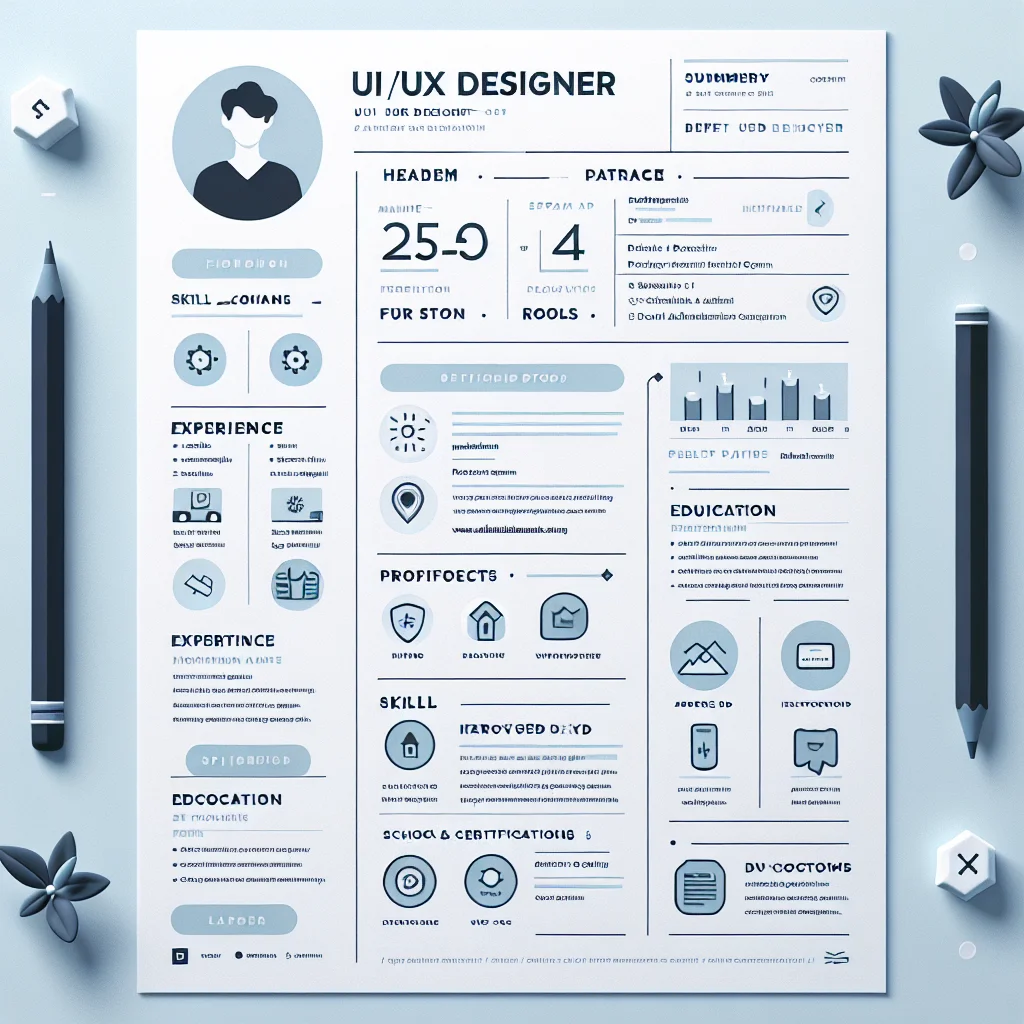
Start With the Perfect Resume Headline
Your resume headline is the first thing recruiters read—think of it like the title of your portfolio. Keep it clear, relevant, and tailored to the position. Here are a few strong headline examples you can adapt:
- Creative UI/UX Designer Specializing in Human-Centered Design
- Experienced UX Strategist with Strong Visual Design Skills
- User Interface Designer with a Passion for Data-Driven Design
- Multidisciplinary UX/UI Designer Skilled in Figma & Prototyping
- Junior UX Designer with a Background in Front-End Development
Check Your ATS Score
See how well your resume performs against Applicant Tracking Systems
Craft a Strong Professional Summary
This short paragraph under your headline should give a snapshot of who you are and what you bring to the table. Use 2-4 sentences to mix experience, tools, and your unique value.
Here’s what to include:
- Years of experience or mention of career transition (if applicable)
- Design philosophy: Human-centered, data-driven, or mobile-first
- Tools and platforms: Figma, Adobe XD, Sketch, InVision, usability testing software
- Industries served: eCommerce, healthcare, B2B, fintech, etc.
Example: “User-focused UX Designer with 3+ years of experience crafting mobile and web interfaces in eCommerce and SaaS. Skilled in Figma, user research, and interactive wireframing. Passionate about creating inclusive and intuitive digital products.”
Highlight Relevant Experience – With Results
Recruiters are looking for impact, not job descriptions. In your experience section, use bullet points to call out your specific achievements. Make each sentence active and metrics-driven where possible.
- Start with action verbs: Led, designed, improved, created, collaborated, launched
- Include metrics: “Increased user retention by 20% through improved onboarding UX”
- Highlight collaboration: Mention cross-functional work with developers or product teams
- Quantify whenever possible: “Reduced checkout time by 36% after redesign”
Here’s a job achievement example:
Product Designer, XB Labs (Mar 2021–Present)
- Redesigned mobile onboarding flow, improving user activation rate by 22%
- Conducted 30+ usability tests to validate interface changes in web dashboard
- Collaborated with devs to implement rapid prototyping using Figma and Zeplin
Add a Projects Section (Especially if You're a New Designer)
If you’re transitioning into UX or don’t have years of experience, a selected projects section can fill the gap. For each project, include:
- Name of the project or client
- Your role (UX strategist, UI designer, researcher, etc.)
- The challenge and your solution
- Tools used: Figjam, Sketch, Notion, InVision, etc.
- Results if available (user conversion, engagement time, etc.)
Example: “Revamped a university website as part of a UX bootcamp project, increasing accessibility score from 67 to 96. Used user personas, journey mapping, and interactive prototypes to guide the redesign.”
Focus on Core Skills and Software Proficiency
Your technical and soft skills make all the difference. Don’t just list 20 keywords—focus on strengths that matter most in UI/UX. Create two distinct sections if needed:
- Design Tools: Figma, Adobe XD, Sketch, Zeplin, InVision, Marvel
- UX Skills: Wireframing, User Research, A/B Testing, Responsive Design
- UI Skills: UI Kits, Branding, Typography, Interaction Design
- Dev Collaboration: HTML, CSS, understanding of JavaScript
Also note soft skills like communication, problem-solving, or remote collaboration when relevant.
Include Education and Certifications
List your education clearly, especially if you attended a recognized UX bootcamp or design program. Include:
- School/Bootcamp name
- Degree or certification name
- Dates attended
- Relevant coursework (e.g., Human-Centered Design, Visual Design Systems)
Pro Tip: Got a certification from Google UX Design or Nielsen Norman Group? Highlight it.
Make Your Resume ATS-Friendly
Nearly 3 out of 4 resumes get rejected before a human ever sees them. That’s often due to poor formatting or lack of keywords. Here’s how to stay compliant:
- Use simple, clean formatting with consistent section headings
- Avoid graphics, tables, and fancy fonts
- Save as PDF if accepted; otherwise, use .docx
- Use job-targeted keywords from UI/UX job listings
Polish Your Design (Without Breaking ATS)
As a designer, you want your resume to look sharp—but you also need to get past recruiters’ software. Here’s how to strike the balance:
- Stick to 1–2 colors that reflect your brand
- Use readable fonts (no script or custom ones)
- Keep layout structured: sidebar for skills, main area for experience
- Ensure it still reads well in black & white for printing
Need help choosing a layout? Check out our best resume templates for designers.
Create ATS-Compliant Resume
Build a professional resume that passes all ATS filters
Don’t Forget the Portfolio Link
Your online portfolio is often more important than your resume. Link to it clearly in your contact header or sidebar. It should showcase:
- At least 2–3 case studies with process details
- Demonstrated UX thinking, not just visuals
- Mobile and desktop work, wireframes, user flows, and prototypes
- Your role and collaboration details in each project
Need guidance creating one? Read our resource on building a compelling UX portfolio.
Final Resume Checklist
- ✅ Strong, personalized headline
- ✅ Clear and focused summary
- ✅ Metric-driven job achievements
- ✅ Smart use of design tool keywords
- ✅ Case studies or projects with outcomes
- ✅ One-page format (for under 7 years experience)
- ✅ Link to online portfolio
Whether you’re applying for startups, agencies, or enterprise UX roles, your resume should reflect both your technical and creative sides. Focus on clarity, results, and user value—just like great UX.
Related Resume Guides
- How To Write A Successful Product Designer Resume Example...
- A Fashion Designer Resume
- Graphic Designer In 2026 (Examples + Templates)
- Instructional Designer (2026 Examples & Templates)
- Motion Graphics Designer
- Metaverse Architect (2026 Guide + Free Template)
- A Copywriter Role in 2026 Resume
- A Video Editor Resume
- Filmmaker Jobs In 2026
Optimize LinkedIn Profile
Enhance your LinkedIn presence to attract recruiters